
With Google rankings, you can check a position and see whether it went up. AI search doesn't work that way. ChatGPT, Perplexity and Google AI Mode write a new answer each time, and that answer can change from one user to the next.
That doesn't make AI visibility impossible to measure. It means you need a few different numbers, tracked the same way every month. This guide covers the five metrics that matter, where to find each one, and a simple setup you can run in about two hours a month.
The five metrics that matter
| Metric | What it tells you | Where to get it |
|---|---|---|
| Citation share | How often your brand is named for the questions you care about | Manual prompt testing or a tracking tool |
| Source citations | Whether your pages are linked as a source | Same prompt tests (check the cited links) |
| AI Overview and AI Mode impressions | Which pages show up in Google's AI features | Google Search Console |
| AI referral traffic | Visits from chatgpt.com, perplexity.ai and similar | GA4 or your analytics tool |
| Leads from AI traffic | Whether AI visibility turns into business | GA4 conversions, CRM, "how did you hear about us?" |
1. Citation share across a fixed prompt set
This is the closest thing AI search has to a ranking report. You pick a set of prompts, run them on each platform, and record whether your brand is named.
Build your prompt set
Start with 30 to 50 prompts. Write them the way real buyers talk, not as short keywords. Mix these types:
- Recommendation: "Best accounting software for freelancers in the UK"
- Comparison: "[Your brand] vs [competitor]"
- Problem: "How do I stop my Shopify store from losing sales at checkout?"
- Local: "Good family dentist near Austin that takes walk-ins"
- Brand check: "What is [your brand] and is it any good?"
Use your sales team's notes, support tickets and Search Console queries to find the questions people really ask. Then freeze the list. If you change prompts every month, you can't compare results.
Run and record
Test each prompt on ChatGPT, Perplexity, Gemini and Google AI Mode. Use a logged-out or fresh session where you can, because personal history affects answers.
AI answers vary between runs, so run each prompt two or three times and note how many times you were named. For each prompt, record:
- Named? (yes, no, or how many times out of three)
- Position in the answer (first brand named, or later)
- Whether the description of your brand is accurate
- Which competitors were named
- Which URLs were cited as sources
Calculate citation share
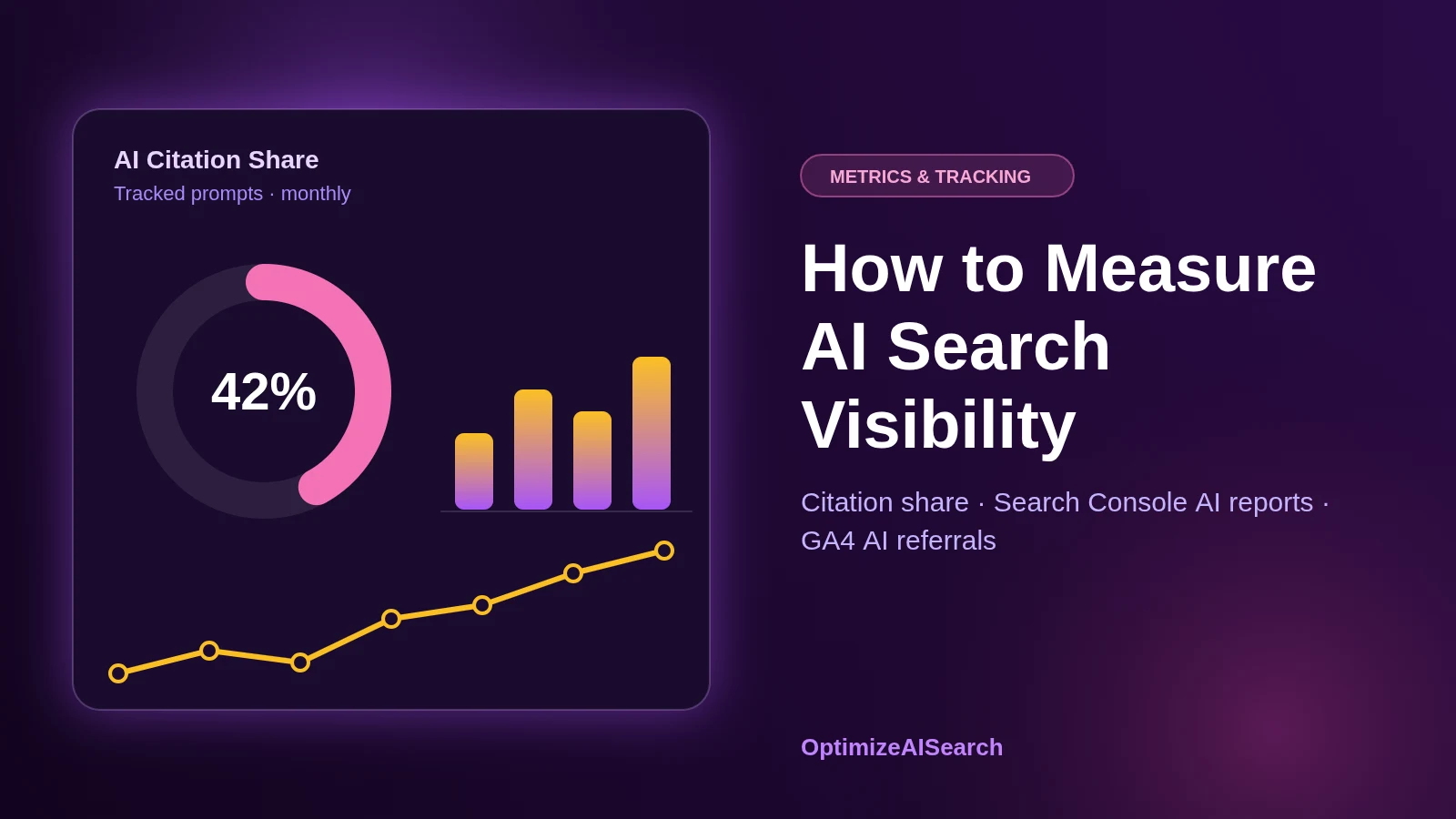
Citation share = prompts where you were named ÷ total prompts tested, per platform.
If you were named in 9 of 40 prompts on ChatGPT, your ChatGPT citation share is 22.5%. Track that number month to month. Do the same for your top two or three competitors and you have a simple AI share of voice.
2. Source citations: are your pages being used?
Being named and being cited are different things. An AI tool might recommend your brand based on a review site, while never linking to your website.
In your prompt log, note every cited URL. Over a few months, you'll see a pattern. Some sources come up again and again for your category: a directory, a comparison site, a Reddit thread, an industry publication. Those are the places to focus your outreach and profile work. Our AI brand and citation optimization service is built around exactly this list.
This is often the most useful output of the whole exercise. It tells you exactly where AI tools are getting their information about your market.
3. Google Search Console AI reports
Google rolled out generative AI performance reports in Search Console to all websites on August 31, 2026. They show impressions from AI Overviews, AI Mode and AI features in Discover. You can break the data down by page, country and date.
Two limits to keep in mind:
- No click data yet. You can see that a page appeared in an AI answer, but not how many people clicked through.
- Small sites may not see a report. If your site has too few AI impressions, the report may not appear.
Even so, this is the only first-party data Google gives you about AI features. Check it monthly. Look for pages that gain or lose AI impressions, and compare them with what you changed on those pages.
One more thing to check while you're in Search Console: the setting for Search generative AI features. It's on by default. If someone turned it off, your site is excluded from AI Overviews and AI Mode entirely.
4. AI referral traffic in GA4
When someone clicks a link inside an AI answer, the visit usually arrives with a referrer. In GA4, go to Reports, then Acquisition, then Traffic acquisition. Set the dimension to "Session source" and look for:
- chatgpt.com
- perplexity.ai
- gemini.google.com
- copilot.microsoft.com
- claude.ai
To make this easier, create a custom channel group called "AI Assistants" with a regex rule on session source, for example:
chatgpt\.com|perplexity\.ai|gemini\.google\.com|copilot\.microsoft\.com|claude\.ai
Some AI traffic arrives with no referrer and shows up as direct, especially from mobile apps. So treat this number as a minimum, not the full picture.
Note that clicks from Google AI Overviews and AI Mode are counted as normal Google organic traffic. You can't separate them in GA4.
5. Leads that come from AI search
Traffic is only useful if it turns into business. Two simple ways to connect AI visibility to leads:
- Conversions by source. In GA4, check form fills, calls and purchases from your "AI Assistants" channel.
- Ask people. Add "ChatGPT or another AI tool" as an option in your "How did you hear about us?" field. Many businesses are surprised by how often it gets picked, even when analytics shows little AI traffic.
A simple monthly tracking setup
You don't need an expensive tool to start. A spreadsheet works.
- Tab 1: Prompt log. One row per prompt, per platform, per month. Columns for named, position, accuracy, competitors and cited URLs.
- Tab 2: Summary. Citation share per platform for you and your top competitors, month by month.
- Tab 3: Sources. Every cited URL, with a count of how often it appears. Sort by count.
- Tab 4: Google and analytics. Monthly AI Overview and AI Mode impressions from Search Console, AI referral sessions and AI-sourced leads from GA4.
Once your prompt set grows past 50, or you need to track several markets, a dedicated AI visibility tool can save time. Many SEO platforms now include one. Check that it lets you use your own prompts, shows the cited sources, and tests each prompt more than once.
Common measurement mistakes
- Testing only your brand name. Asking "What is [your brand]?" tells you very little. Buyers ask about problems and categories, not your name.
- Changing prompts every month. It makes trends impossible to read.
- Running each prompt once. A single answer can be a fluke.
- Ignoring accuracy. Being named with the wrong prices, services or location can cost you leads. Consistent business details and clean structured data help here.
- Reporting AI traffic without leads. Small traffic numbers can still bring in high-value enquiries. Track both.
Frequently asked questions
Can I see my ChatGPT rankings?
Not in the way you can see Google rankings. ChatGPT doesn't publish search data. Prompt tracking is the practical substitute.
How many prompts should I track?
Thirty to fifty is enough for most small and mid-sized businesses. Larger brands with several products or markets may need more.
How often should I measure?
Monthly works for most sites. AI answers move too much day to day for weekly numbers to mean much.
If your team can run the tracking but needs help reading it, our AI SEO consultants can review your numbers monthly. If you'd rather hand over the whole program, see our AI search optimization agency service.
Want a baseline without building it yourself? Our AI search visibility audit tests your brand across the main AI platforms and shows where competitors are named instead. You can also try our free AI visibility checker. If you're comparing providers, read how to choose an AI search optimization agency.